https://image.wenhaofree.com/2025/06/84543499c9e27ad5d0ed475431ca9953.png

Integrating Claude Code with Obsidian: Claudian Plugin Installation & Configuration Guide

You will learn:

  • How to manually install the Claudian plugin into Obsidian
  • Configuring the Claude Code executable path
  • Methods to use Claude Code within Obsidian
  • Troubleshooting common issues
  • Best practices and usage tips

What is the Claudian Plugin?

Claudian is an Obsidian community plugin that integrates the Claude Code CLI tool into the Obsidian interface. With Claudian, you can invoke Claude Code directly while editing notes for AI-assisted writing, code generation, content rewriting, and more, without switching between the terminal and Obsidian. The plugin supports context awareness, understanding current note content to provide relevant suggestions.
Obsidian Canvas Automation: Drawing Guide with Claude Code Skills

You will learn:

  • How to install the Obsidian Skills plugin
  • Methods to generate Canvas via natural language instructions
  • Practical Case: Auto-generating a historical knowledge graph
  • Canvas file format and custom styling
  • More practical scenarios and best practices

What is Obsidian Canvas Automation?

Obsidian Canvas Automation refers to using Claude Code’s Agent capabilities and the obsidian-skills plugin to automatically research materials, organize logical relationships, and generate structured Canvas knowledge graphs via natural language instructions. This workflow combines AI search capabilities, logical reasoning, and Canvas visualization, reducing the time from “idea to knowledge graph” from hours to minutes.

OpenCode Installation Guide: From Zero to First Run

OpenCode is a powerful AI-driven programming assistant that supports code generation, refactoring, debugging, and documentation. This article will guide you from scratch through the installation, configuration, and first run of OpenCode, ensuring you can quickly get started and unlock its full potential.

What is OpenCode?

OpenCode is an open-source AI programming assistant that integrates large language model capabilities deeply with code editors, allowing developers to complete complex programming tasks using natural language.

OpenCode Integration with Antigravity: Guide to Using Top LLMs for Free

This article introduces how to integrate the Antigravity proxy service into OpenCode, allowing you to use top-tier large models including Claude Sonnet 4.5 and Gemini 3 Pro for free.

1. Install Plugin

You need to install the opencode-antigravity-auth plugin and configure model definitions.

Directly enter the following command in the OpenCode conversation to let the Agent automatically execute installation and configuration:

Install the opencode-antigravity-auth plugin and add the Antigravity model definitions to ~/.config/opencode/opencode.json by following: https://raw.githubusercontent.com/NoeFabris/opencode-antigravity-auth/dev/README.md

Method 2: Manual Configuration

If you prefer manual control, you can edit the configuration file:

OpenCode MCP Configuration Guide: Complete Tutorial on Extending AI Context

You will learn:

  • What MCP is and how it works
  • How to configure local MCP services (e.g., shadcn)
  • How to configure remote MCP services (e.g., Context7)
  • How to mix multiple MCP service configurations
  • Verification and troubleshooting tips

What is MCP (Model Context Protocol)?

Model Context Protocol (MCP) is a standardized protocol enabling AI models to access external contexts and tools. Through MCP, OpenCode can connect to local scripts, remote knowledge bases, or specialized services, thereby understanding domain-specific knowledge or invoking external tools. The protocol supports both local command execution and remote HTTP endpoint access, utilizing authentication via OAuth or API Keys.

OpenCode Skills Installation Guide: Manually Configuring Professional Skill Packages

You will learn:

  • What OpenCode Skills are and their function
  • How to create a standard Skills directory structure
  • How to import and verify skill packages
  • Troubleshooting common issues
  • How to create custom skill packages

What are OpenCode Skills?

OpenCode Skills are OpenCode’s modular extension mechanism, injecting domain-specific expertise and workflows into the AI assistant through structured instruction packages. Each Skill encapsulates industry best practices, checklists, and execution templates, enabling OpenCode to perform tasks like a subject matter expert. Common Skills include SEO audits, code reviews, test writing, API design, and other professional capabilities.

Android Subscription Guide for Claude Pro: Complete Google Pay Steps

You will learn:

  • How to find the subscription entry point in the Android app
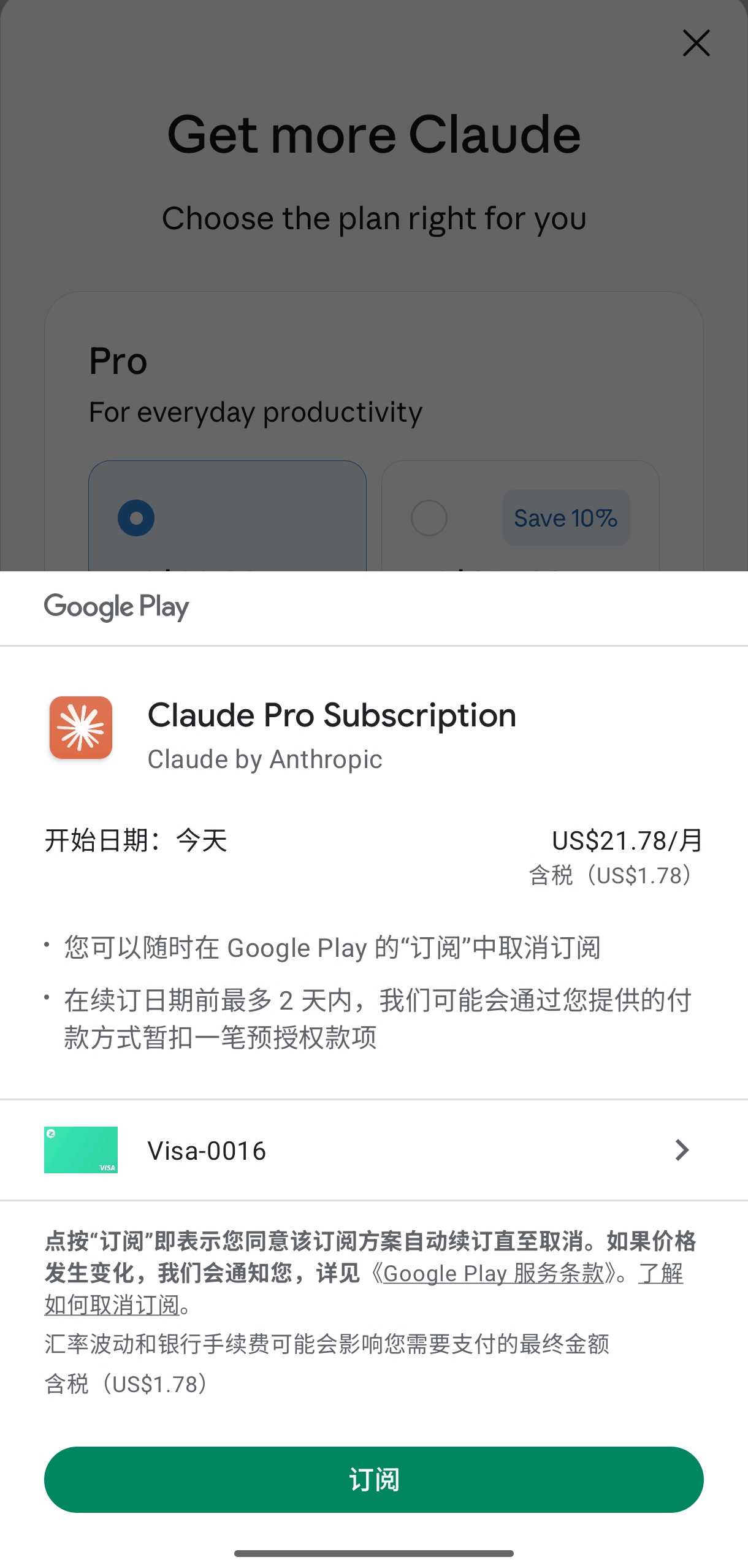
  • The complete Google Play payment process
  • How to verify a successful subscription
  • Methods to activate Claude Code access
  • Subscription management and cancellation steps

What is Claude Pro?

Claude Pro is the premium subscription plan for Anthropic’s Claude AI assistant. Subscribers get higher usage limits, Claude Code access, priority access to new features, and a longer context window. It supports both monthly ($20/month) and annual ($200/year) payments, which can be subscribed to via the Web or the Android app. The advantage of Android subscription is that you can pay using your Google Play balance or gift cards.

Claude Agent SDK Complete Tutorial: Tool System, Agent Loop, and Controllable Execution in Action

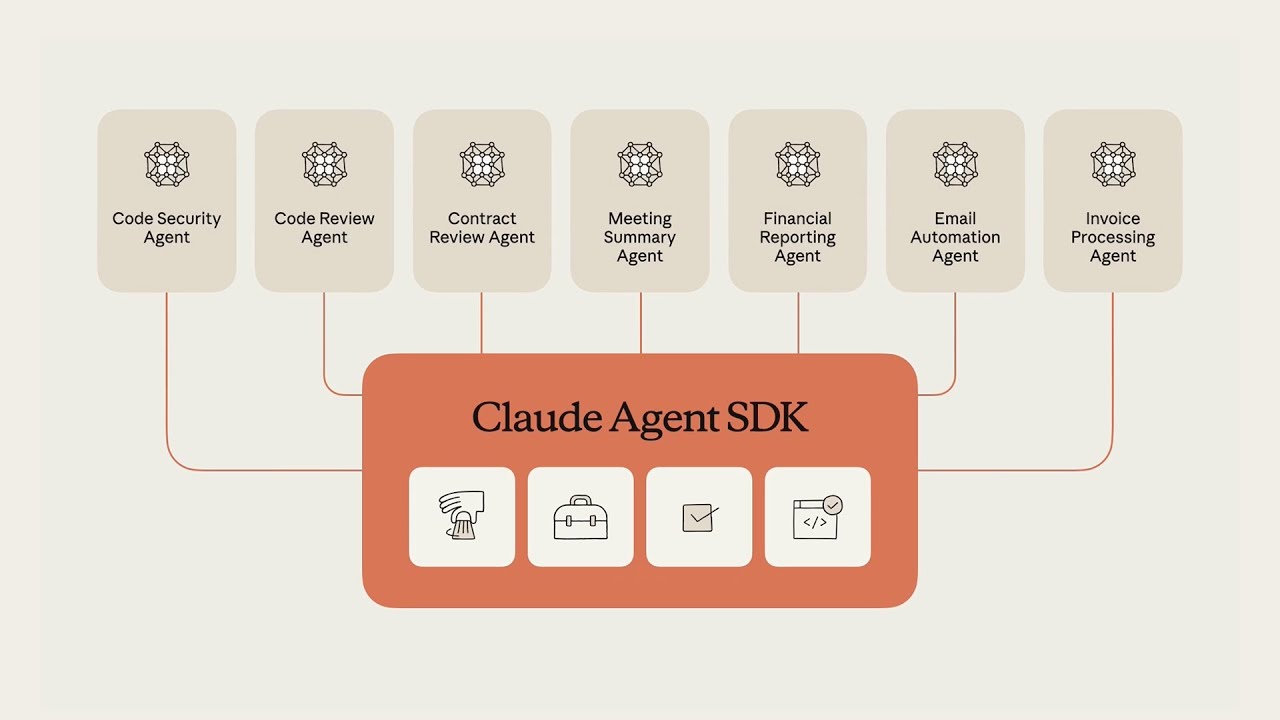
The goal of the Claude Agent SDK is to upgrade “model inference” to “controllable execution”. It not only generates text but can also complete tasks within an auditable, constrainable tool system, allowing Agents to truly participate in engineering processes. This article will guide you from environment setup to production practice, mastering the Claude Agent SDK comprehensively.

What is Claude Agent SDK?

Claude Agent SDK is an enterprise-grade Agent development framework launched by Anthropic. It deeply integrates Claude’s language capabilities with a tool execution system, enabling AI to:

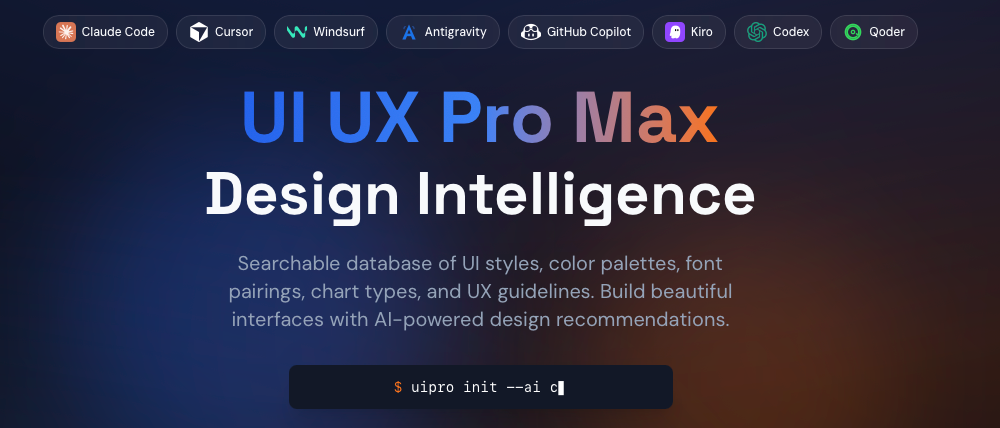
Rapid UI Design with Antigravity + Skills: A Complete Guide from Idea to Deployment

Want to go from idea to live UI in just a few hours? This article will teach you how to use Antigravity and Skills packages to rapidly build professional, usable, and reusable page designs with AI assistance. Whether it’s a product landing page, marketing page, or admin dashboard, you’ll find an efficient path to realization here.

What are Antigravity and Skills?

Antigravity is an AI-driven page generation tool that understands natural language requirements and automatically generates corresponding UI code and design drafts. Unlike traditional template tools, Antigravity builds pages through semantic understanding rather than simply applying fixed templates.

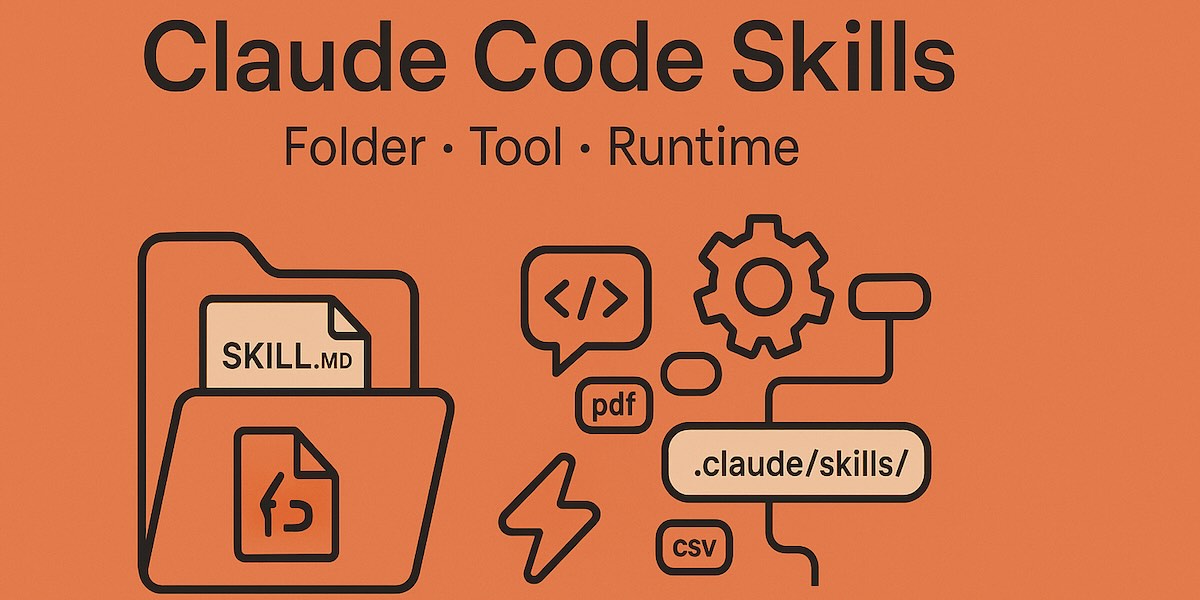
What Exactly Are Claude Code Skills?

Claude Code Skills is the modular extension mechanism for Claude Code (Claude’s programming agent). Essentially, they are structured instruction packages used to teach Claude how to handle specific domain programming tasks. It encapsulates domain expertise, workflows, and execution logic into reusable “skill packages,” enabling Claude to perform tasks like a domain expert.

Key Features and Design Principles

The Model-invoked mechanism is the core feature of Skills. Unlike traditional imperative triggers, Skills adopt a declarative design where Claude automatically analyzes user intent based on conversation context to judge whether to enable a specific Skill. This design reduces user cognitive load, eliminating the need to memorize specific command syntax, making interactions more natural and fluid.