https://image.wenhaofree.com/2025/06/84543499c9e27ad5d0ed475431ca9953.png

AWS Free Tier Clawdbot Tutorial: Zero-Cost Personal AI Bot Guide

This article details how to use AWS Free Tier to run Clawdbot. Following this tutorial, you can build your own AI robot at zero cost.

You will learn:

  • What Clawdbot is and how it works
  • How to apply for and configure a free AWS EC2 instance
  • Installing Clawdbot using a one-click script
  • Configuring Exa MCP skill to give the bot web search capabilities

What is Clawdbot?

Clawdbot is an intelligent Discord/Telegram bot framework based on the Claude model. It is not just a chatbot but an AI Agent with long-term memory capable of executing complex tasks. Through the MCP (Model Context Protocol), Clawdbot can easily extend its capabilities, such as web search, code execution, database access, etc. Compared to the official Claude web version, Clawdbot offers more flexible customization and private deployment options, making data safer and interactions more personalized.
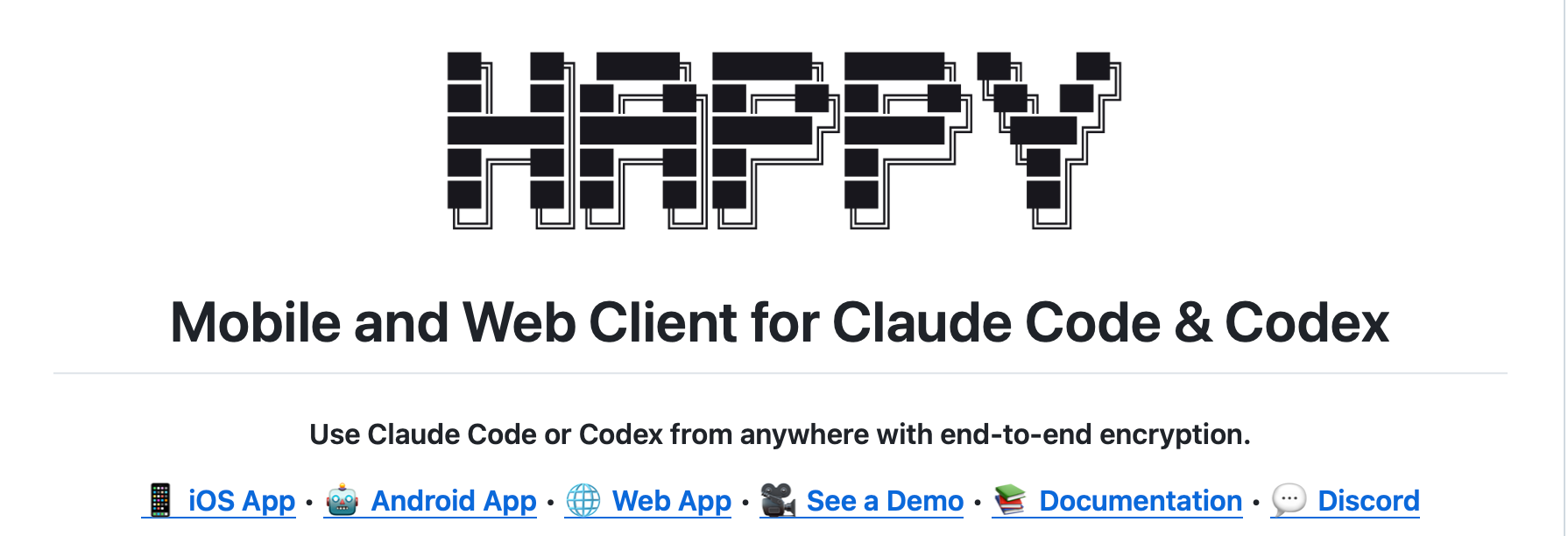

Happy Coder Guide: Controlling Claude Code or Codex for Mobile Programming

When you step away from your computer but still want to continue your tasks with Claude Code or Codex, Happy Coder offers a smoother path: “projecting” your local AI coding session to your phone, allowing you to stay in control during commutes, breaks, or meetings.

This article is based on information from the Happy Coder official site and open-source repository to help you quickly understand its positioning, capabilities, and implementation workflow.

Remotion: The "Hyped" React Video Generation Tool & Stills Skills Guide

In the frontend development world, Remotion is absolutely a god-tier tool that has been “hyped” by developers in recent years. It breaks the boundary between video production and code development, allowing thousands of React developers to create professional-grade video content using their most familiar language—JavaScript/TypeScript and React.

Today, we will delve into the core charm of Remotion, especially its lesser-known but incredibly powerful Stills (static image generation) skill, and see how it redefines the content production workflow.

Clawdbot Comprehensive Guide: Features, Use Cases, and Installation Tutorial

In the thriving era of AI Agents, have you ever dreamed of having a personal AI assistant that is cross-platform, privacy-protecting, and highly customizable? Clawdbot is exactly such a compelling open-source tool.

Special Note: Clawdbot (an open-source assistant developed by Peter Steinberger) and ClaudeBot (Anthropic’s web crawler) are two completely different concepts. This article focuses on Clawdbot, guiding you through how to use it to build your private digital butler.

Context7 Skills Complete Guide: Quickly Install and Manage AI Coding Assistant Skills

What are Context7 Skills?

Context7 is a powerful AI coding assistant skill management system. It provides a centralized skill registry that allows developers to easily install, search, and manage reusable prompt templates. These skills can extend the capabilities of your AI coding assistant, enabling you to share common workflows like code reviews, commit message generation, and PDF processing across projects and teams.

Core Features:

  • Unified Management: Manage and distribute all AI skills from one place.
  • Quick Installation: Install skills into your AI coding assistant configuration with a single command.
  • Multi-Client Support: Natively supports multiple AI coding assistants like Claude Code, Cursor, Codex, and OpenCode.
  • Skill Registry: A centralized skill repository maintained by Context7.
  • Reusable Templates: Skills are optimized prompt templates that can be reused across projects.

Install Context7 CLI

Prerequisites

Before using skills, you need to install the Context7 CLI.

CLIProxyAPI Local Setup Guide: From Go Compilation to Interface Testing

You will learn:

  • Checking and installing the Go language environment
  • Cloning and compiling CLIProxyAPI from GitHub
  • Configuring API Keys and listening ports
  • Starting the service and testing AI model interfaces
  • Troubleshooting common issues

What is CLIProxyAPI?

CLIProxyAPI is a lightweight AI proxy gateway developed in Go. It provides a unified OpenAI-compatible API interface for various AI services such as Gemini, Claude, and OpenAI. With CLIProxyAPI, you can set up your own AI interface forwarding service locally, enabling features like multi-model switching, request logging, and access control. It is particularly suitable for development environment testing and multi-account management scenarios.

CLIProxyAPI Practical Guide: Configure Google Pro Account to Unlock Full Gemini

CLIProxyAPI is a powerful proxy server tool that provides a unified API interface for various AI services (Gemini, Claude, OpenAI, etc.). This article focuses on how to configure a Google Pro Account via CLIProxyAPI, using OAuth authentication to seamlessly invoke Gemini’s advanced models.

1. Preparation

Before starting, ensure you have compiled or downloaded the cli-proxy-api executable file.

2. Prepare Configuration File

First, we need to prepare the config.yaml configuration file.

X 2026 Core Algorithm Rules - Quick Cheat Sheet

X 2026 Core Algorithm Rules - Quick Cheat Sheet

Update Date: January 24, 2026 Source: X Official Open Source Algorithm, Industry Analysis Consolidation


🎯 X 2026 Algorithm Summary in 3 Sentences

  1. Engagement Velocity in the first 30 minutes determines the life or death of a tweet.
  2. Video content gets 2-3x exposure boost, Premium accounts get 4x internal network + 2x external network boost.
  3. Non-Premium accounts posting links = Absolute Zero Exposure (Fatal restriction).

📊 The Four Core Factors of the Algorithm

Priority 1️⃣ - Critical (70% Weight)

FactorDescriptionPractical Application
30-Min Engagement VelocitySpeed of likes, reposts, and replies within first 30 minsReply to comments instantly, encourage mutual interaction
Visual ContentVideo > Image > Text-onlyAlways attach image/video; text-only has lowest exposure
Account CredibilityFollower engagement rate + Historical performanceMaintain 5%+ engagement rate, avoid spam content

Priority 2️⃣ - Important (25% Weight)

FactorDescriptionPractical Application
Account TierPremium 4x, Verified 2x, Normal 1xStrongly recommend upgrading to Premium ($8/month)
Total EngagementAbsolute numbers of likes+reposts+repliesWrite shareable insights easily reposted
Content RelevanceMatch with follower interestsStick to vertical niche, don’t cross boundaries randomly

Priority 3️⃣ - Reference (5% Weight)

FactorDescriptionPractical Application
Posting Frequency15-30 posts/day is optimalQuality over quantity, but consistency matters
Trending RelevanceFollow real-time news and hot topicsComment fast on breaking news (highest priority)
Follower LocationDifferent regions have different active timesOptimize posting time based on follower time zones

Fatal Penalties ⚠️ - Zero Exposure

ViolationConsequence
Non-Premium Posting LinksTweet gets 0 views (Completely Hidden)
High Frequency + Low EngagementAccount downranked by 50%+
Spam Hashtag StuffingTweet marked as spam
Using Bot ToolsAccount frozen or permanently banned

⚙️ How the Algorithm Works: Workflow

The 3 Stages of a Tweet:

【Stage 1】 Initial Screening (0-30 Mins) - Life or Death Moment
  ↓
  Algorithm selects 1,500 candidate tweets
  50% from accounts you follow
  50% from algorithmic recommendations
  ↓
  Based on: Engagement Velocity, Author Credibility, Content Type
  ↓
  Shown to 100-1000 "Test Users"
  ↓
  If Test User Engagement > 5%: Recommended to more people
  If Test User Engagement < 2%: Tweet sinks

【Stage 2】 Small Traffic (30 Mins - 6 Hours) - Reputation Building
  ↓
  Based on Stage 1 results, tweet shown to broader audience
  More engagement → Algorithm values it more → Recommends to more people

【Stage 3】 Large Traffic (6 Hours+) - Exponential Growth or Sink
  ↓
  Either goes viral (widely shared)
  Or sinks (hidden forever)

💡 Five Key Numbers

NumberMeaningApplication
1,500Tweets screened by algorithm from candidate pool each timeFierce competition requires high-quality content
30Critical minutes determining tweet fateEngagement in first 30 mins is crucial
2-3xExposure multiplier for video contentVideo > Image > Text-only
4x & 2xPremium internal/external boost4x internal, 2x external boost, high ROI
5%Engagement rate floor for healthy accountsBelow 2% means content is unattractive

✅ Must-Do Checklist (Follow Algorithm for Fast Growth)

Daily Standards

  • Every tweet has an image or video (Text-only has lowest exposure)
  • Reply to comments within first 30 mins (Build initial momentum)
  • Post 15-20 times/day (for Chinese users) or 8-15 times/day (for English users)
  • Interact with 30-50 other tweets daily (Participate in community)
  • Reply to 80%+ follower comments within 24 hours (Maintain credibility)

Account Preparation

  • Upgrade to Premium (Strongly recommended, 4x exposure)
  • Complete Profile (Clear bio + Link in Bio)
  • Pin top tweet (Showcase best content)
  • Avoid links in tweets (Non-Premium = Zero Exposure)

Content Strategy

  • 70% Original Insights + 20% Interactive Content + 10% Personal Stories
  • At least 1 Thread per week (6-10 tweets connected)
  • At least 3-5 Video posts per week
  • Participate in daily trending topics (Breaking news highest priority)

🚀 Fast Growth Path

0-1000 Followers (Cold Start, 3 Months)

Key Actions:

App Store Rejection Guide: Fixing Guideline 2.1 PassKit/Apple Pay Issues

During the iOS app submission process for App Store review, developers often encounter various reasons for rejection. Rejections related to Guideline 2.1 typically involve issues with metadata or functional completeness.

Recently, when submitting an app using StoreKit 2 for subscriptions, I encountered a rejection related to PassKit (Apple Pay). This article details the phenomenon, root cause analysis, and the final solution, hoping to help developers facing the same issue.

1. Issue Description

After submitting the app for review, I received the following feedback from the Apple review team:

App Store Rejection Guide: Fixing Guideline 3.1.2 Subscription Information Integrity

The App Store review for in-app subscriptions (In-App Purchase, Auto-Renewable Subscriptions) is extremely strict, especially regarding information disclosure. If you received a rejection for Guideline 3.1.2 - Business - Payments - Subscriptions, it’s usually because your subscription page is missing certain necessary legal terms or explanations.

This article details how to fix missing subscription information using a real-world case and ensures compliance with Apple’s review guidelines.

1. Issue Description

Reviewers typically provide rejection reasons similar to the following: